TV buying guide

Everything you need to know to find the perfect television for your home...

TV Graphic

You know how overwhelming it can feel when you're trying to choose a new TV or even just narrow down your options?

We get it, there’s a lot to try and wrap your head around. That's why we’ve put together a TV Buying Guide, to help you find the ideal television for your needs and budget.

You know how overwhelming it can feel when you're trying to choose a new TV or even just narrow down your options?

We get it, there’s a lot to try and wrap your head around. That's why we’ve put together a TV Buying Guide, to help you find the ideal television for your needs and budget.

What’s the right screen size for you?

Screen size is a great place to start when choosing your new TV. 

It’s understandable to want the biggest screen you can afford but it’s best to consider what the ideal screen size is for your space. 

You’ll likely save money and get a better TV experience by taking this into account.

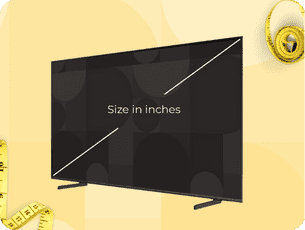
TV screen showing how to measure the screen size with a line from the top right corner to the bottom left corner.

What’s the right screen size for you?

Screen size is a great place to start when choosing your new TV. 

It’s understandable to want the biggest screen you can afford but it’s best to consider what the ideal screen size is for your space. 

You’ll likely save money and get a better TV experience by taking this into account.

Tip Box Block with Background
Icon

My tip to find your perfect screen size…

As a general rule of thumb your sofa should be about one and a half times the screen size away from your TV.

So, if your sofa is 72” away from your TV, just divide it by 1.5 to get your ideal screen size, 48” (measuring diagonally, from the top right corner to bottom left corner).
Different types of TV resolution

You’ve worked out the size of the TV you’d like, the next thing to consider is the standard of resolution. Unsure what this means? We’re here to help.

TV resolution refers to the number of pixels that make up the picture on your screen. The more pixels a screen has, the sharper and more detailed the image will be. Resolution is usually written in terms like HD Ready, HD, Full HD or 4K Ultra HD, with each offering a different viewing experience.

Learn more about the different types of TV resolution and consider how important this is for your new TV.

Different types of TV resolution

You’ve worked out the size of the TV you’d like, the next thing to consider is the standard of resolution. Unsure what this means? We’re here to help. 

TV resolution refers to the number of pixels that make up the picture on your screen. The more pixels a screen has, the sharper and more detailed the image will be. Resolution is usually written in terms like HD Ready, HD, Full HD, 4K or Ultra HD, or 8K, with each offering a different viewing experience. 

Learn more about the different types of TV resolution and consider how important this is for your new TV.

4K Ultra-HD

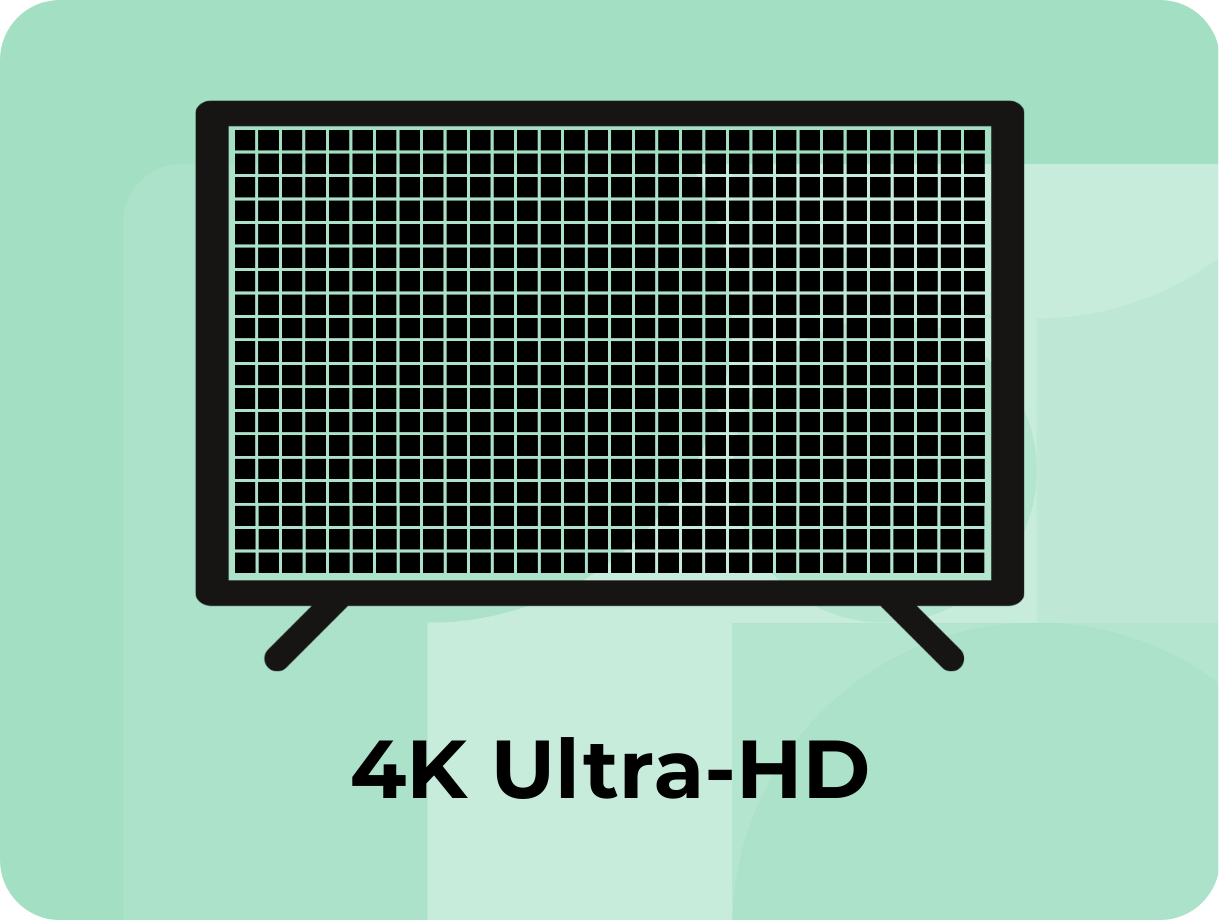
4K UHD has a resolution of 3840 x 2160 pixels, around 8.3 megapixels, which is four times the number of pixels used in the Full HD format. If you’re thinking of getting a TV larger than 43” then it may be best to opt for a 4K model. You might not have to spend as much as you’d think to get your hands on a 4K TV, with many models available for less than £250.

Shop our 4K ultra-HD range

4K Ultra High Definition TV

Full HD

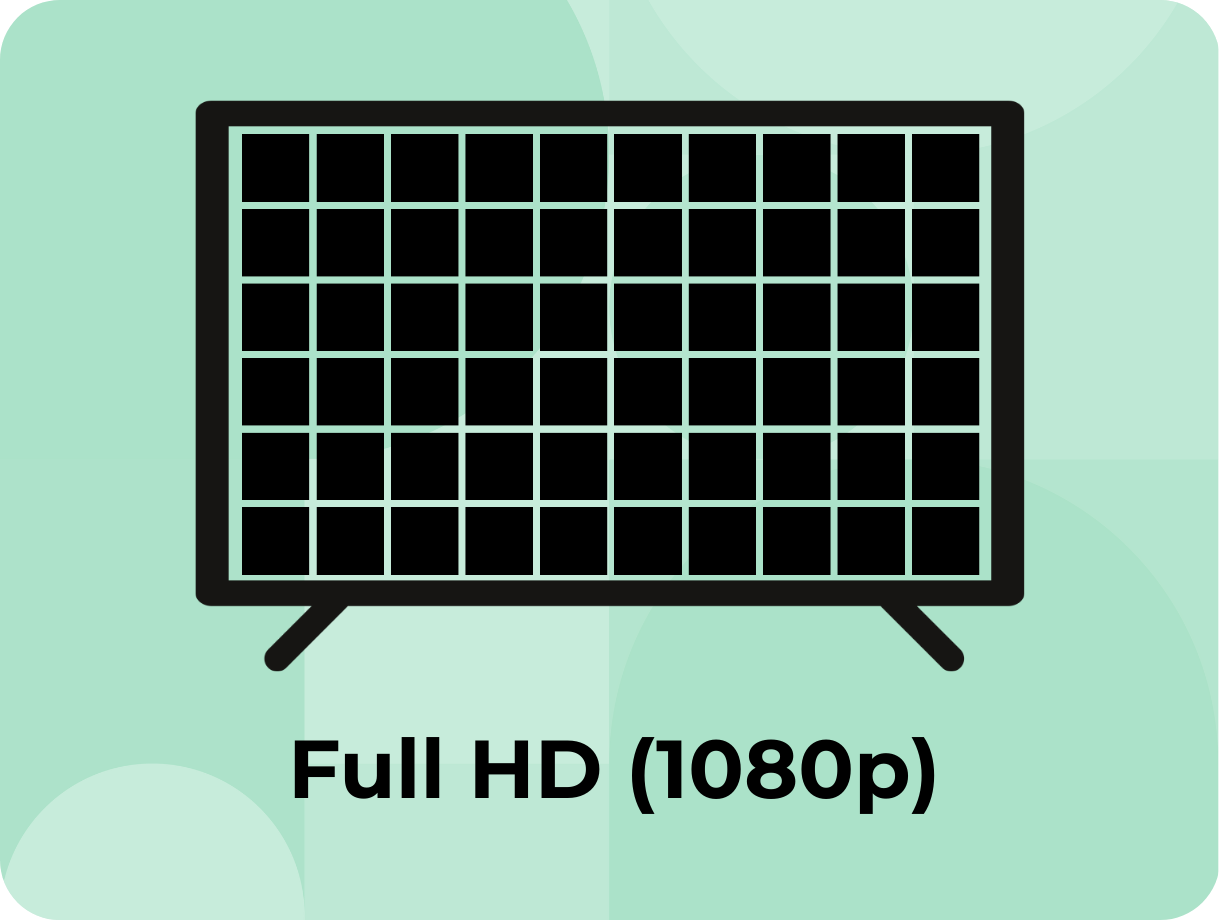
‘Full HD’ has quickly become the basic standard of viewing at 1080p resolution, which means a screen resolution of 1920 x 1080 pixels. Full HD is usually used for smaller TVs under 43” as the display is perfectly crisp and detailed without needing to splash out on a higher resolution. If you’re after a great-value Full HD option, the LG 43LQ60006LA is one of our most popular TVs offering reliable performance at an affordable price.

Shop our full HD range

Full high definition TV

HD Ready

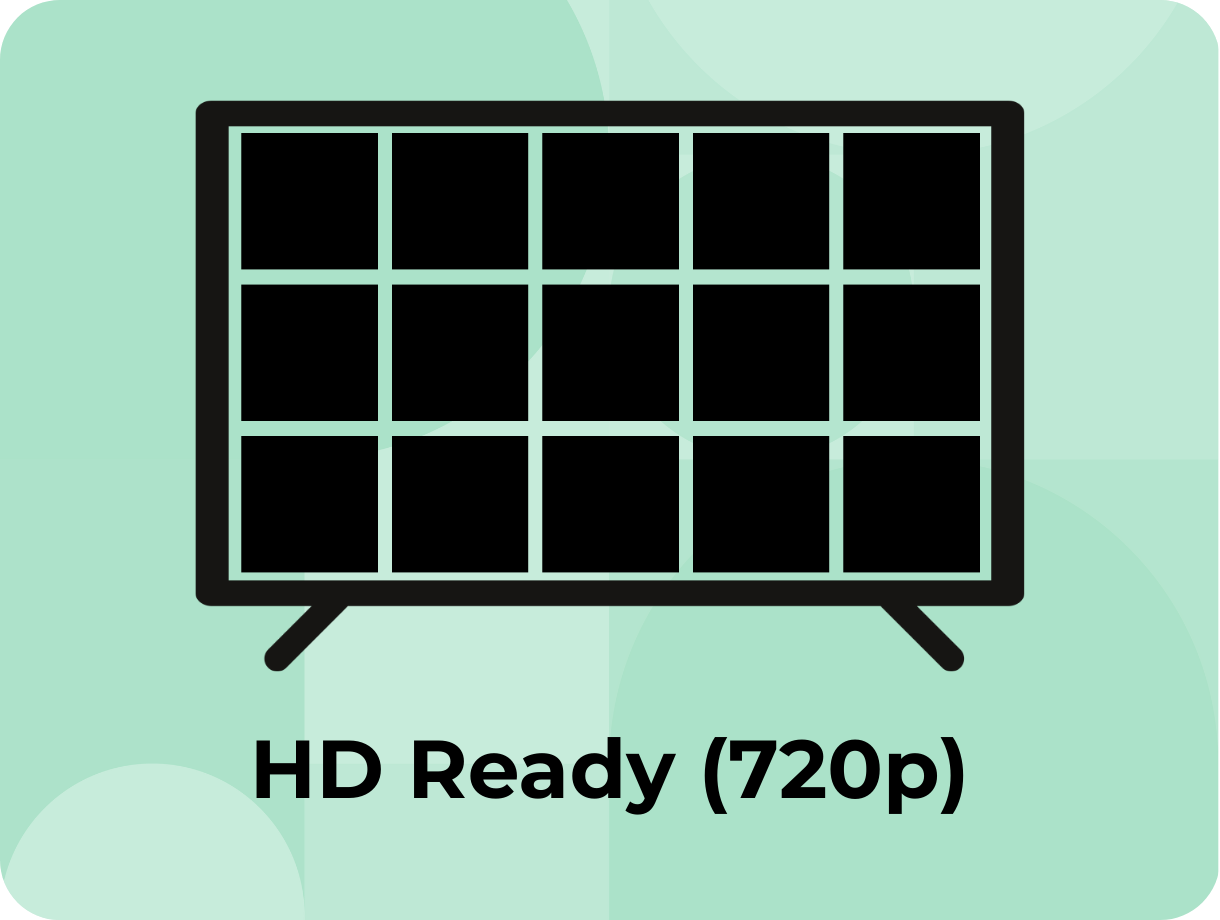
If you mainly watch standard TV channels or you’re not fussed about ultra-sharp detail, HD Ready TVs are a budget-friendly option and are typically smaller TVs, under 32 inches.

HD Ready is often used to describe TVs that support a resolution of 1280 x 720 pixels. It’s the minimum requirement for displaying high-definition content, but it isn’t considered full HD. One of our most popular options in this category is the Hisense 32A4NTUK, a reliable, budget-friendly model that delivers solid HD performance.

Shop our HD ready range

HD Ready TV

4K Ultra-HD

4K UHD has a resolution of 3840 x 2160 pixels, around 8.3 megapixels, which is four times the number of pixels used in the Full HD format. If you’re thinking of getting a TV larger than 43” then it may be best to opt for a 4K model. You might not have to spend as much as you’d think to get your hands on a 4K TV, with many models available for less than £250.

Full HD

‘Full HD’ has quickly become the basic standard of viewing at 1080p resolution, which means a screen resolution of 1920 x 1080 pixels. Full HD is usually used for smaller TVs under 43” as the display is perfectly crisp and detailed without needing to splash out on a higher resolution. If you’re after a great-value Full HD option, the LG 43LQ60006LA is one of our most popular TVs offering reliable performance at an affordable price.

Shop our full HD range

HD Ready

If you mainly watch standard TV channels or you’re not fussed about ultra-sharp detail, HD Ready TVs are a budget-friendly option and are typically smaller TVs,under 32 inches. HD Ready is often used to describe TVs that support a resolution of 1280 x 720 pixels. It’s the minimum requirement for displaying high-definition content, but it isn’t considered full HD. We stock a range of HD Ready TVs with our most popular being the Hisense 32A4NTUK.

TV screen technology

You might have noticed how much TV technology has evolved since you last bought a TV and we wouldn’t blame you to be slightly confused by some of the terms floating around such as OLED and QLED. 

To help you understand what this all means, we've broken down some of the key terms.

TV screen technology

You might have noticed how much TV technology has evolved since you last bought a TV and we wouldn’t blame you to be slightly confused by some of the terms floating around such as OLED and QLED. 

To help you understand what this all means, we've broken down some of the key terms.

HDR (High dynamic range)

Think of HDR as your TV's way of showing you exactly what your eyes would see in real life. It cranks up the contrast between the deepest blacks and the brightest whites, so you catch every detail, from the subtle shadows in a dimly lit room to the brilliant sparkle of sunlight on water. HDR is an umbrella term containing different standards and technologies.

HDR10 and HDR10+

HDR10 is the typical video standard for mid-high-end TVs. Producing brightness of 1000 nits (a measurement for screen brightness) and a 10-bit colour depth, it creates an impressive range of over 1 billion colours. In comparison, HDR10+ supports a brightness of up to 4000 nits with the same colour range.

Shop HDR10 TVs

HLG (Hybrid logic gamma)

HLG is another type of video format similar to HDR10 that gives picture quality a boost for broadcast and live TV. Supporting 10-bit colour depth like HDR10, it delivers over 1 billion colours with peak brightness up to 1000 nits. What makes HLG special is that your TV automatically gets the best possible picture from any broadcast signal, whether the content was originally made for HDR or standard TVs. So, when you're watching sports or live events, you get that enhanced picture quality boost in real-time.

Shop Hybrid Logic Gamma TVs

Dolby vision

Dolby Vision is the premium HDR format that delivers the ultimate viewing experience. Supporting up to 12-bit colour depth and peak brightness of 10,000 nits, it creates over 68 billion possible colours with exceptional contrast. Dolby Vision uses dynamic metadata that adjusts frame by frame for optimal picture quality throughout your content. You'll find it on major streaming platforms like Netflix, Disney+, and Apple TV+, plus Ultra HD Blu-rays. While requiring compatible hardware (TV and Source), the visual improvement is incredible when watching supported content.

Shop Dolby Vision TVs

HDR (High dynamic range)

Think of HDR as your TV's way of showing you exactly what your eyes would see in real life. It cranks up the contrast between the deepest blacks and the brightest whites, so you catch every detail, from the subtle shadows in a dimly lit room to the brilliant sparkle of sunlight on water. HDR is an umbrella term containing different standards and technologies.

HDR10 and HDR10+

HDR10 is the typical video standard for mid-high-end TVs. Producing brightness of 1000 nits (a measurement for screen brightness) and a 10-bit colour depth, it creates an impressive range of over 1 billion colours. In comparison, HDR10+ supports a brightness of up to 4000 nits with the same colour range.

Shop HDR10 TVs

HLG (Hybrid logic gamma)

HLG is another type of video format similar to HDR10 that gives picture quality a boost for broadcast and live TV. Supporting 10-bit colour depth like HDR10, it delivers over 1 billion colours with peak brightness up to 1000 nits. What makes HLG special is that your TV automatically gets the best possible picture from any broadcast signal, whether the content was originally made for HDR or standard TVs. So, when you're watching sports or live events, you get that enhanced picture quality boost in real-time.

Shop Hybrid Logic Gamma TVs

Dolby vision

Dolby Vision is the premium HDR format that delivers the ultimate viewing experience. Supporting up to 12-bit colour depth and peak brightness of 10,000 nits, it creates over 68 billion possible colours with exceptional contrast. Dolby Vision uses dynamic metadata that adjusts frame by frame for optimal picture quality throughout your content. You'll find it on major streaming platforms like Netflix, Disney+, and Apple TV+, plus Ultra HD Blu-rays. While requiring compatible hardware (TV and Source), the visual improvement is incredible when watching supported content.

Shop Dolby Vision TVs

Icon

Some sage advice...

The key is figuring out what matters most to you, whether that's getting the best value, having the latest technology, or finding something that works perfectly in your specific room setup.

What features do you need?

You're probably noticing there's a lot more to TVs these days than just picture quality and size. From special lighting effects and advanced sound systems to gaming modes and smart home integration, modern TVs come packed with features designed to enhance your viewing experience.

The key is thinking about what really matters to you and how you use your TV, so you can focus on the features that will make a real difference in your daily routine.

HDMI ports and connections

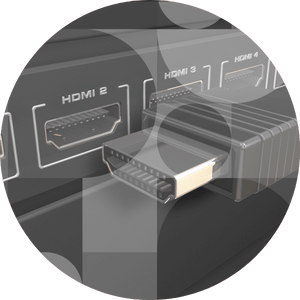
Think about how many devices you'll need to connect to your TV, consoles, soundbars, streaming devices etc. Most TVs come with multiple HDMI ports, but it's smart to count what you'll actually need and look for a TV that has enough ports. For soundbars, look for HDMI ARC ports to keep things simple. If this is important to you, consider the TCL Q6C range which come with 4 HDMI ports.

Tuners

While external TV tuners used to be a vital accessory to make sure you received the best channels and service possible, most modern TVs have built-in NextGen TV tuners that automatically do the hard work for you. Freely, Freesat, Freeview and YouView provide an easy way to receive free digital TV channels, plus radio and interactive services, all without the need to pay subscription fees.

Smart TV's

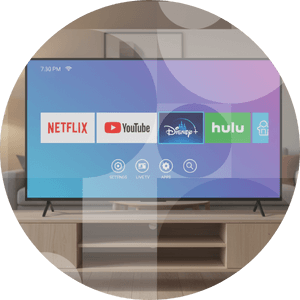
Most TVs today come with built-in streaming apps and internet connectivity, so you can watch Netflix, YouTube, and more without needing extra devices. Different TVs have slightly different screen layouts, much like different mobile phones, but all essentially do the same thing.

Game mode

This setting reduces input lag and optimises display settings for gaming, making your controls feel more responsive. It minimises the delay between pressing a button and seeing the action happen on screen, which can be crucial for competitive gaming or fast-paced action games.

Refresh rate

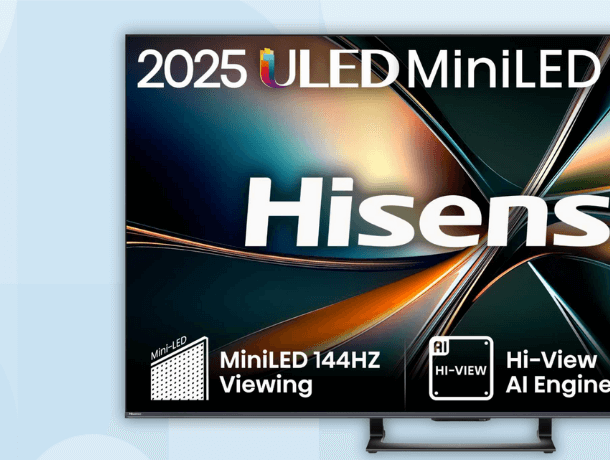
This affects how smooth motion looks on screen, measured in Hz (hertz). Most TVs offer 60Hz, but higher refresh rates like 120Hz mean less blur during fast-paced scenes, sports, or gaming. The higher the number, the smoother the motion appears.

AI

Some TVs use artificial intelligence to automatically enhance picture and sound quality based on what you're watching. The TV can upscale low-resolution pictures for incredible sharpness whilst finetuning the audio for clear and immersive sound.

Audio

Built-in speakers vary widely between TVs, so consider whether you'll need additional sound equipment for the experience you want. While some TVs offer great sound quality, many have thin speakers that can sound flat or lack bass. If you love movies, music, or gaming, you might want to budget for a soundbar or speaker system to get that fuller, richer audio experience.

What features do you need?

You're probably noticing there's a lot more to TVs these days than just picture quality and size. From special lighting effects and advanced sound systems to gaming modes and smart home integration, modern TVs come packed with features designed to enhance your viewing experience.

The key is thinking about what really matters to you and how you use your TV, so you can focus on the features that will make a real difference in your daily routine.

HDMI ports and connections

Think about how many devices you'll need to connect to your TV, consoles, soundbars, streaming devices etc. Most TVs come with multiple HDMI ports, but it's smart to count what you'll actually need and look for a TV that has enough ports. For soundbars, look for HDMI ARC ports to keep things simple. If this is important to you, consider the TCL Q6C range which come with 4 HDMI ports.

Tuners

While external TV tuners used to be a vital accessory to make sure you received the best channels and service possible, most modern TVs have built-in NextGen TV tuners that automatically do the hard work for you. Freely, Freesat, Freeview and YouView provide an easy way to receive free digital TV channels, plus radio and interactive services, all without the need to pay subscription fees.

Smart TV's

Most TVs today come with built-in streaming apps and internet connectivity, so you can watch Netflix, YouTube, and more without needing extra devices. Different TVs have slightly different screen layouts, much like different mobile phones, but all essentially do the same thing.

Game mode

This setting reduces input lag and optimises display settings for gaming, making your controls feel more responsive. It minimises the delay between pressing a button and seeing the action happen on screen, which can be crucial for competitive gaming or fast-paced action games.

Refresh rate

This affects how smooth motion looks on screen, measured in Hz (hertz). Most TVs offer 60Hz, but higher refresh rates like 120Hz mean less blur during fast-paced scenes, sports, or gaming. The higher the number, the smoother the motion appears.

AI

Some TVs use artificial intelligence to automatically enhance picture and sound quality based on what you're watching. The TV can upscale low-resolution pictures for incredible sharpness whilst finetuning the audio for clear and immersive sound.

Audio

Built-in speakers vary widely between TVs, so consider whether you'll need additional sound equipment for the experience you want. While some TVs offer great sound quality, many have thin speakers that can sound flat or lack bass. If you love movies, music, or gaming, you might want to budget for a soundbar or speaker system to get that fuller, richer audio experience.

Icon

Best TVs for...

Gaming

Take your gaming to the next level by choosing a TV with a high refresh rate (ideally 120Hz or over) for a smooth and fast gameplay. You may want to look at models such as the Samsung QE55S90D with a 144 Hz refresh rate or the LG 65QNED93A6A.

Hone your reactions to the chaos onscreen with a low lag model so there’s no delay between pressing the buttons on your controller and what happens onscreen. Don’t forget to work out the number of consoles you’ll want plugged up to make sure there’s a HDMI input for each of your favourite gaming must-haves.

Gaming TV

Sports

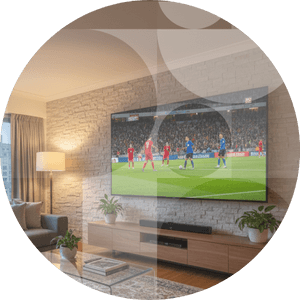
Feel like you’re in the stands with a TV big enough to fill the room. Don’t miss a moment of the action, no matter where you sit, by shopping for a screen with wide viewing angles where everyone gets a clear view.

Similar to gaming requirements, a higher refresh rate will help eradicate motion blur. While a rate of 120Hz is ideal, you can find TVs offering 144Hz like the TCL C805K range spanning from 50” displays to an impressive 98” experience.

Sports TV

Films & TV

Grab the full cinematic experience from the comfort of your sofa with the biggest screen money can buy. Max out on entertainment with TCL 98” Q6C Google TV and become the envy of all your friends. A 4K resolution is a must-have for a professional finish. Don’t forget surround sound speakers and impressive soundbars for an immersive experience.
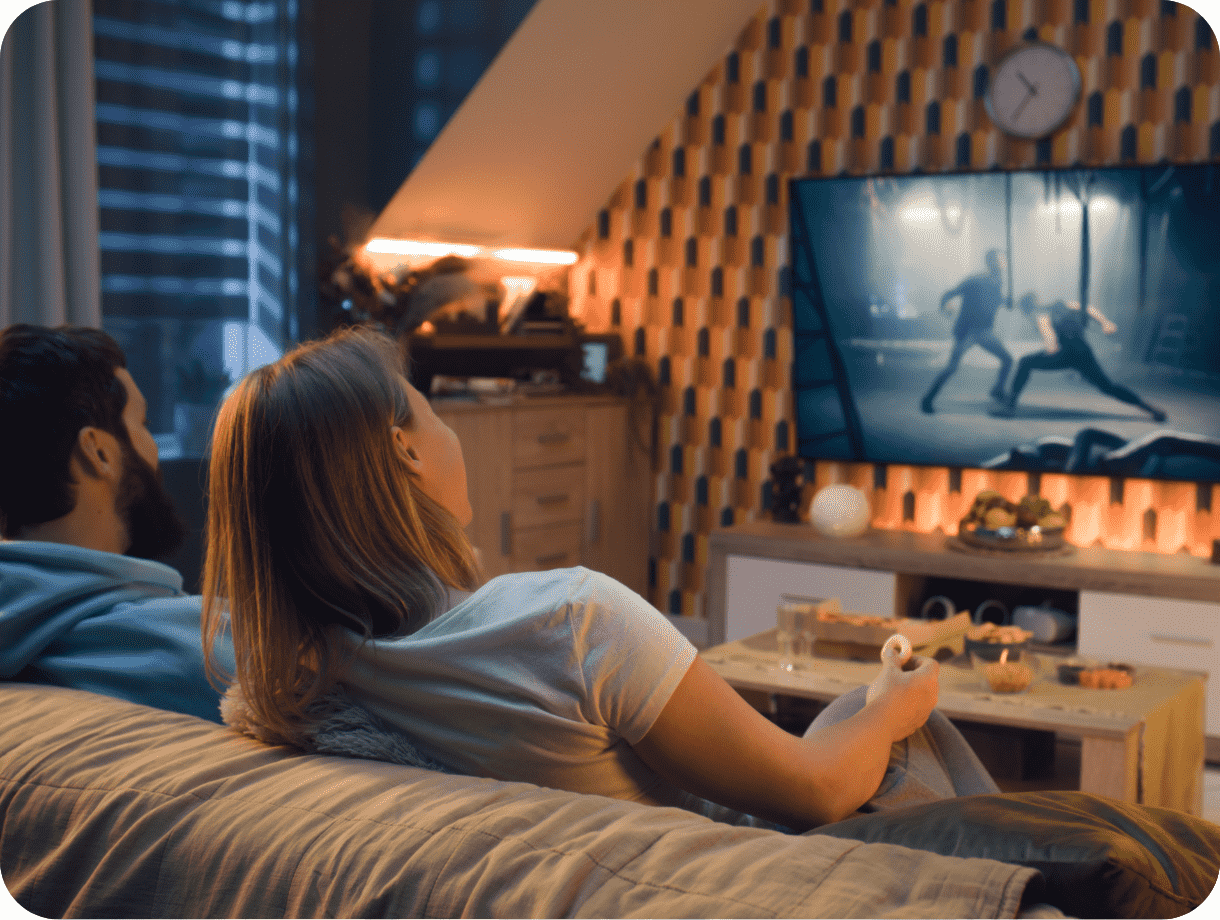
Films TV

Delivery

You probably can’t wait to get immersed in your new TV and we don’t think you should have to. Get delivery when you need it, including next day or Saturday delivery when you buy with Hughes.

Delivery

You probably can’t wait to get immersed in your new TV and we don’t think you should have to. Get delivery when you need it, including next day or Saturday delivery when you buy with Hughes.

FAQs

What size TV should I buy for my room?

+
The ideal TV size depends on your viewing distance and room layout. For optimal viewing, sit 1.5 to 2.5 times the screen diagonal away from the TV. Measure your space and consider furniture placement before deciding.

What's the difference between 4K and HD TVs?

+
HD (1080p) offers 1920x1080 pixels, 4K (Ultra HD) provides 3840x2160 pixels with four times more detail than HD. Currently, 4K is the sweet spot with abundant content availability and most viewers will see significant improvement from HD to 4K.

Which TV technology is better: LED, OLED, or QLED?

+
LED TVs use LED backlighting and are budget-friendly with good brightness. OLED TVs offer perfect blacks, infinite contrast, and excellent viewing angles since each pixel emits its own light but can be more expensive. QLED (Quantum Dot LED) TVs provide vibrant colours and high brightness levels, sitting between LED and OLED in price. Choose based on your budget, viewing preferences, and room lighting conditions.

What smart TV platform should I choose?

+
Popular smart TV platforms include Roku TV (user-friendly with extensive app selection), Google TV/Android TV (excellent integration with Google services), Samsung Tizen (sleek interface with good performance), LG webOS (intuitive design), and Amazon Fire TV (great for Prime users).

Do I need HDR on my TV?

+
HDR (High Dynamic Range) significantly improves picture quality by displaying brighter whites, deeper blacks, and more vivid colours. Look for HDR10 support as a minimum, with Dolby Vision providing even better performance. If you stream content from Netflix, Disney+, Amazon Prime, or BBC iPlayer (which supports HDR on select programmes), or plan to use gaming consoles, HDR is highly recommended for the enhanced viewing experience.

What refresh rate do I need for my TV?

+
For general TV watching and movies, 60Hz is sufficient. Gamers should consider 120Hz TVs for smoother gameplay, especially with newer gaming consoles. Sports enthusiasts may also benefit from higher refresh rates for clearer motion.

How long do modern TVs typically last?

+
Modern TVs typically last 7-10 years with regular use, though this varies by brand, model, and usage patterns. LED TVs generally last longer than OLED TVs, which may experience slight brightness degradation over time. Proper care, avoiding extreme temperatures, and using appropriate settings can extend your TV's lifespan. Consider warranty options for premium models.

Do I need a sound bar with my new TV?

+
Most modern TVs have thin designs that limit built-in speaker quality. If you prioritise audio quality for movies, music, or gaming, a sound bar significantly improves the experience. Basic sound bars start around £80, while premium models with surround sound can cost £400+.

Should I wall-mount my TV or use the stand?

+
Wall-mounting is a great choice if you want a clean, minimalist look and to free up floor space. It can also help you position the screen at the perfect eye level for comfortable viewing. Safety is another advantage, as securing the TV to the wall reduces the risk of it being knocked over. However, wall-mounting requires proper installation and the right bracket for your TV’s size and weight.

Using the stand that comes with your TV is quick and easy. It allows you to place the TV on a unit or cabinet without the need for drilling. It also gives you flexibility to move the TV to a different room if needed. The trade-off is that it takes up more space and may not always be the ideal viewing height. If you decide on wall-mounting<, make sure you choose a compatible bracket. To make this easy, we offer a Mount Finder tool that helps you source the correct mount for your new TV. Simply enter your model details and it will show you the options that fit perfectly.