Television installation
Getting a new TV should feel exciting, not complicated. Leave the installation to Hughes and you’ll have your feet up in no time.

Step 1: Delivery & safety check
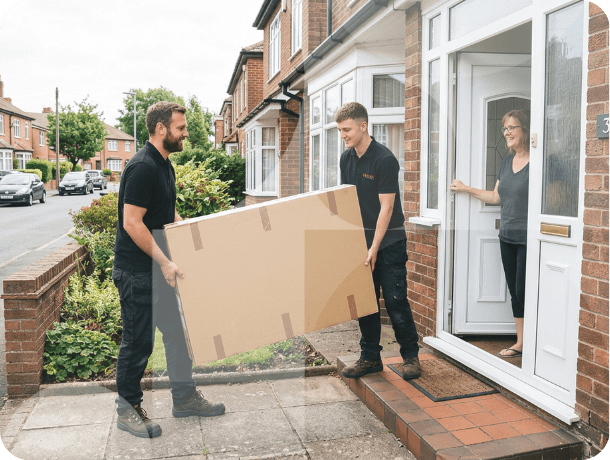
Your installation team will deliver your brand-new television to a room of your choice, unbox it and conduct a pre-install safety check.
Step 2: TV setup & mounting
We’ll attach any supplied feet to your TV or install it onto a floating stand or existing wall bracket, provided it is suitable and compatible with your new TV. Please check the width of the TV feet in advance, as some larger TVs may require a centre pedestal stand.
If using an existing wall bracket, our team will assess whether it is suitable for the size and weight of the TV being installed. If using a new wall bracket, we can only install to wall brackets purchased from Hughes.
Step 3: External equipment connection
Next, your installation team will connect any compatible external equipment to your TV, such as a Sky box, games console or audio equipment. If you’ve ordered a soundbar with your new TV, we’ll set this up too. Please make sure any accessories, cables or additional equipment you’d like connected, such as HDMI or aerial cables, are available and ready when we arrive.
Step 4: Internet connection
Many TVs nowadays work best when they’re connected to the internet. We’ll connect your new TV either through Wi-Fi or an ethernet cable.
Please note: You’ll need to provide the Wi-Fi details you’d like us to connect to. We won't be able to set-up any accounts on your behalf due to GDPR.
Step 5: TV tuning & settings
Your installers will then tune your TV for either aerial or satellite viewing. We’ll also adjust the TV’s eco-settings to your preference and programme your Sky or Virgin remote if you have one.
Step 6: Demonstration & guidance
Once it’s all set up, we’ll show you how everything works. You’ll know exactly how to watch live TV, change your source input, adjust the volume, and access on-demand services and apps.
Please note: This service is not included with installations carried out by our third-party partners.
Step 7: Questions & support
If you have any questions about your new TV, our team will do their best to help on the day. If you need further information after installation, our customer service team will be happy to assist.
Step 8: Clean-up & packaging removal
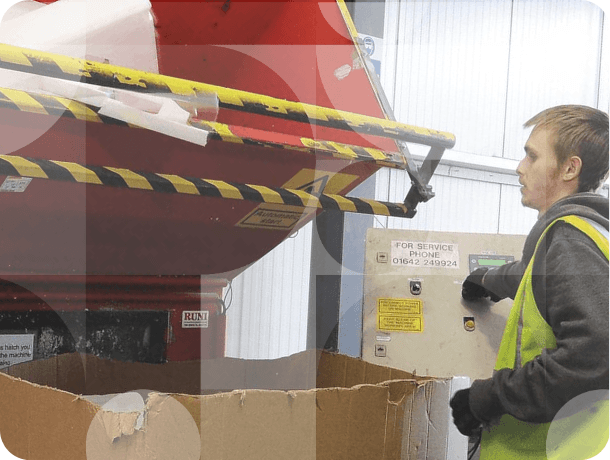
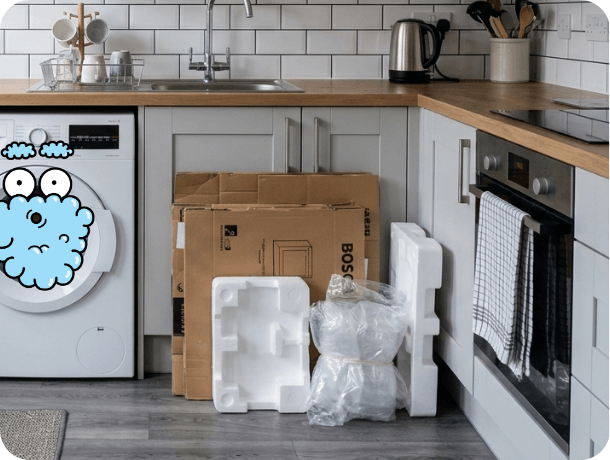
Once you’re happy, we’ll clear up any packaging and take it away with us, leaving you ready to kick back and enjoy your new TV.
Your installation may be carried out by a Hughes team or one of our trusted Partners. We’ll confirm who’ll be attending in your dispatch email, which is sent the evening before your installation.
If you have any special requirements, please let us know as early as possible when booking. This helps us check what’s available in your area and, where possible, arrange the right team for the job.
Did you know...
...that our staff receive hands-on training for TV installations?
Our purpose-built training centre includes practical facilities for installing TV brackets onto solid, stud and dot-and-dab walls.
Before any installation, our engineers will always assess the wall to make sure your TV can be mounted safely and securely.
Some walls may contain voids or mixed materials that are not suitable for supporting a TV bracket.
If this happens, we may be unable to complete the wall mount installation for safety reasons.
If holes have already been drilled before the issue is identified, our team will fill these before leaving, although any redecorating or finishing work would need to be completed separately.
Step 1: Delivery & safety check
Your installation team will deliver your brand-new television to a room of your choice, unbox it and conduct a pre-install safety check.
Step 2: TV placement discussion
We’ll discuss with you where you would like the TV placed on the wall.
Step 3: Wall bracket installation
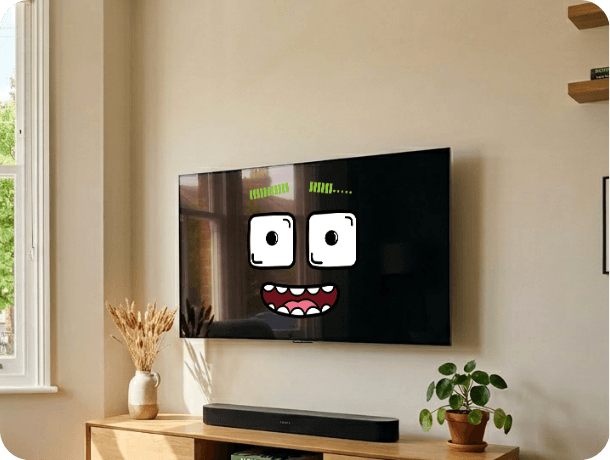
Once you’re happy, we’ll install and secure your bracket to the wall before attaching your TV to the bracket.
Step 4: External equipment connection
Next, your installation team will connect any compatible external equipment to your TV, such as a Sky, Virgin or BT box, games console or audio equipment. If you’ve ordered a soundbar with your new TV, we’ll set this up too. Please make sure any Sky, Virgin or BT services are already active and set up before we arrive so we can complete the connection successfully.
Step 5: Cable tidy
Once everything is connected, we’ll tidy up all the cables with a conduit (up to 2.5m) to keep your living room looking neat.
Step 6: Internet connection
Many TVs nowadays work best when they’re connected to the internet. We’ll connect your new TV either through Wi-Fi or an ethernet cable.
Please note: You’ll need to share the details of the Wi-Fi you’d like us to connect to for us to do this.
Step 7: TV tuning & settings
Your installers will then tune your TV for you. Whether this is aerial or satellite, we’ll take care of this for you. We’ll also adjust the TV’s eco-settings to your preference and programme the Sky/Virgin remote if you have one.
Step 8: Demonstration & support
Once everything is set up, we’ll show you how it all works, including watching live TV, changing source inputs, adjusting the volume and accessing apps and on-demand services. We’ll also be happy to answer any questions before we leave. Please note that some TV manufacturers require you to sign in or create an account during setup. We recommend having your account details ready before installation. You’ll also need to sign in to any individual streaming services, such as Netflix or BBC iPlayer, yourself.
Step 9: Clean-up & packaging removal
Once you’re happy, we’ll clear up any packaging and take this away with us, leaving you to kick back and enjoy your new TV.
.png)